

Client tools
Our client tools help Durban and KwaZulu-Natal buyers move from enquiry to approved print without guesswork. Use this section to request a quote, place repeat orders online and send files with the right checks in place.
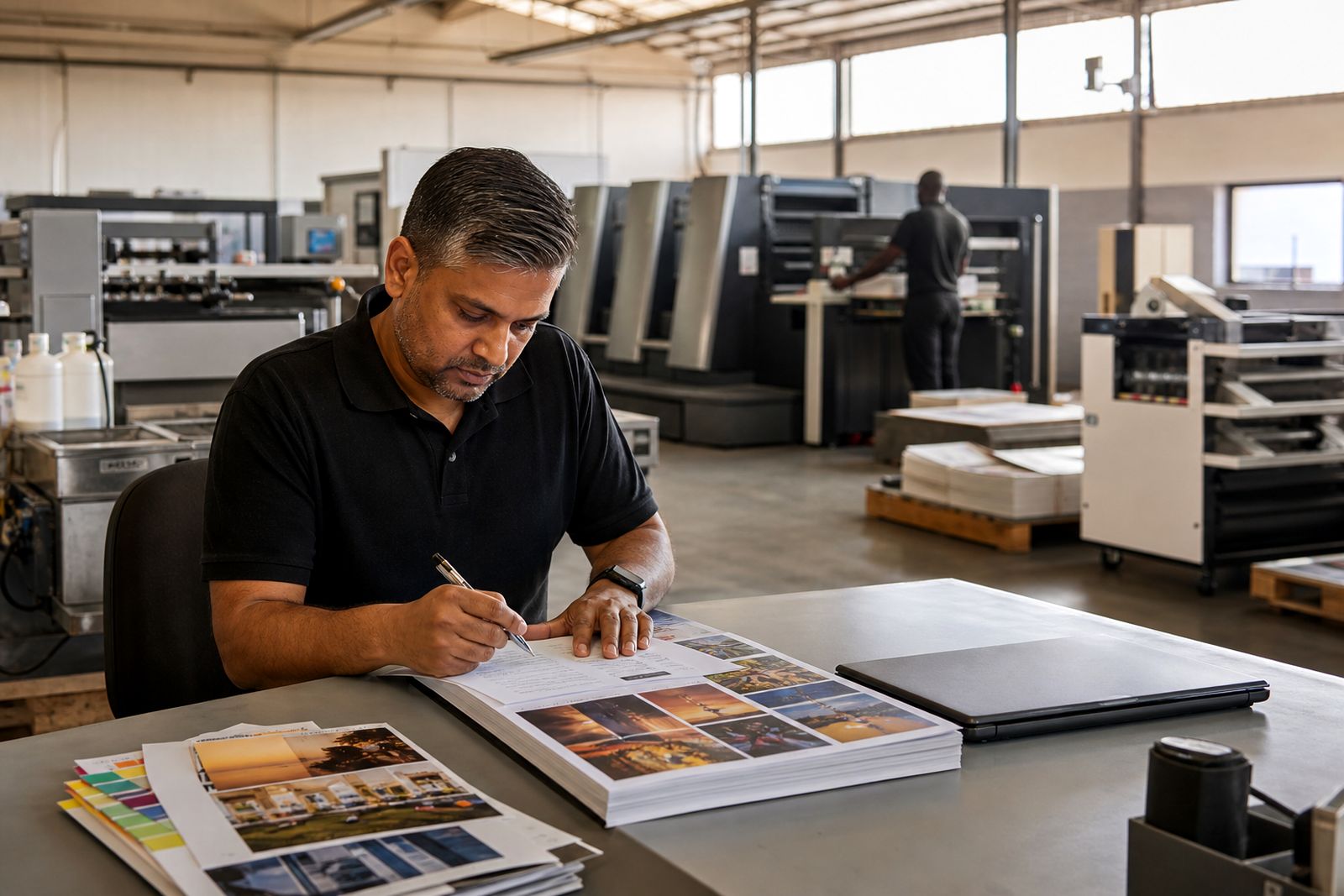
A practical route from enquiry to print
This section brings together the working tools that keep commercial print jobs moving. Instead of sending details across several channels, you can choose the right route for the job, submit what we need, and keep your print brief clear from the start.
For regular business print in Durban, timing often depends on fast approvals, correct files and a clear finishing spec. A brochure with matt cover laminate, a magazine with saddle stitching, or a batch of flyers for a promotion each needs slightly different information. These tools help you give that information once, properly, and avoid delays later on.
If your job is still being scoped, start with a quotation request. If you already know the product and quantity and need a repeat run, web-to-print ordering is usually the quicker option. If your job has been quoted and approved, the file upload route is the next step.
Which tool should you use
The best option depends on how far along your job is and whether it is a once-off project or part of regular monthly print. Use this simple comparison to choose the right path.
- Use quotation request when you need pricing guidance, paper options, quantities compared or finishing advice.
- Use web-to-print when you place repeat orders with fixed specifications such as stationery, standard leaflets or recurring corporate items.
- Use send your files when the job is approved and you are ready to supply artwork for checking and production.
- Use the print guides first if you are unsure about bleed, black backgrounds, proof checks or finishing setup.
Agencies and design studios often move between all three. They may request a quote for a new annual report, upload final press-ready files once approved, then use web-to-print later for ongoing postcard or flyer orders. That mix is normal, and it helps keep larger accounts organised.
Quotation requests that lead to clear decisions
A useful quote starts with the right production detail. Tell us what the item is, the quantity needed, the final size, number of pages where relevant, colour requirements, preferred stock, and any finishing such as folding, stitching, trimming or laminating. If delivery timing matters because of an event, tender closing date or campaign launch, include that as well.
For litho work such as magazines, brochures and annual reports, we may compare production methods or imposition options to suit the run length. For short digital runs, the focus is often turnaround, version changes and practical ordering quantities. In both cases a clear brief saves time and avoids going back and forth.
- Include the finished size, for example A4, A5 or DL.
- State the quantity required and whether you want alternative quantities quoted.
- Note paper preferences if you have them, such as gloss, matt or uncoated.
- Add finishing requirements like folding, saddle stitching, perfect binding, scoring or laminating.
- Mention any packing needs for branches, reps or regional distribution points in KwaZulu-Natal.
Web-to-print for repeat and controlled ordering
Web-to-print suits businesses that order the same item regularly and want a more controlled ordering route. This works well for branded stationery, standard marketing handouts and recurring internal print where specifications stay fixed and ordering needs to be simple.
It can also help companies with more than one branch or department. A buyer in Durban North may need one quantity, while a team in Pinetown needs another, but both still need the same approved format and finish. Using a structured ordering route reduces mix-ups and keeps repeat work consistent.
This option is especially useful when office time is tight, power cuts interrupt normal admin, or multiple stakeholders need a straightforward way to request known items without rewriting specs each time.
Sending files without production delays
File upload is most effective when artwork is supplied press-ready and clearly labelled. A tidy file name, the correct page size, bleed where needed and embedded or outlined fonts all make a difference. If a cover and text are separate files, label them plainly so there is no confusion at prepress.
For many jobs we recommend supplying print-ready PDF files. If images are low resolution, black builds are unsuitable, or folds have not been allowed for correctly, the job may need revision before it can move ahead. That is normal, but it can affect turnaround a bit.
- Check final trim size and add bleed where required.
- Keep images high enough in resolution for print use.
- Use the correct colour setup for commercial printing.
- Make sure page order is correct and blank pages are intentional.
- Review proofs carefully before approval, especially names, dates, totals and contact details.
If you are uncertain, the guides section explains common setup issues in plain language and helps avoid preventable hold-ups.
Built for business print in Durban and KwaZulu-Natal
Commercial print buyers in this region often need reliability more than anything fancy. Corporate reports must close out neatly, brochures need clean colour and crisp trimming, and event flyers may need to land before a fixed date. These tools support that day-to-day reality by making briefs clearer and approvals simpler.
They are also useful for outlying areas in KwaZulu-Natal where courier timing, weather or internal sign-off can affect schedules. Getting the specification right at the start matters. So does using one clear contact route through the enquiry form on our contact page rather than scattering job details across messages and calls.
If you are not sure where to begin, start with the quotation request. If the job repeats, web-to-print is likely the better fit. If the job is approved and ready for production, send your files and we will take it from there.
Explore the range
Web to print ordering
A practical online route for repeat print orders with controlled setup, approvals and dependable reprints.
Read more
Quotation request
A practical quote process for magazines, brochures, reports and day to day business print.
Read more
Send your files
Send artwork for prepress review, print planning and clear feedback before production starts.
Read moreWhat our Commercial Printing customers say
Verified Google reviews
Questions we get asked
Should I request a quote before sending files?
If the job has not been priced or specified yet, yes. A quotation request helps confirm quantity, stock, finishing and turnaround before final artwork is submitted.
What type of files should I upload for print?
Print-ready PDF files are usually the best option. Make sure the final size, bleed, images and page order are correct before upload.
When is web-to-print the better option?
Use it for repeat items with fixed specifications, especially when more than one branch or department needs a simple ordering process.
Ask for a quote
Send a note through the contact form with your print job, quantity, size, finish and delivery area, and the team will reply with a quote.
Open the contact form