

Web to print ordering
Our web to print ordering route is built for repeat print jobs that need the same setup every time. It helps marketing teams, agencies and branch networks place work faster while keeping colour, sizes and finishing aligned.
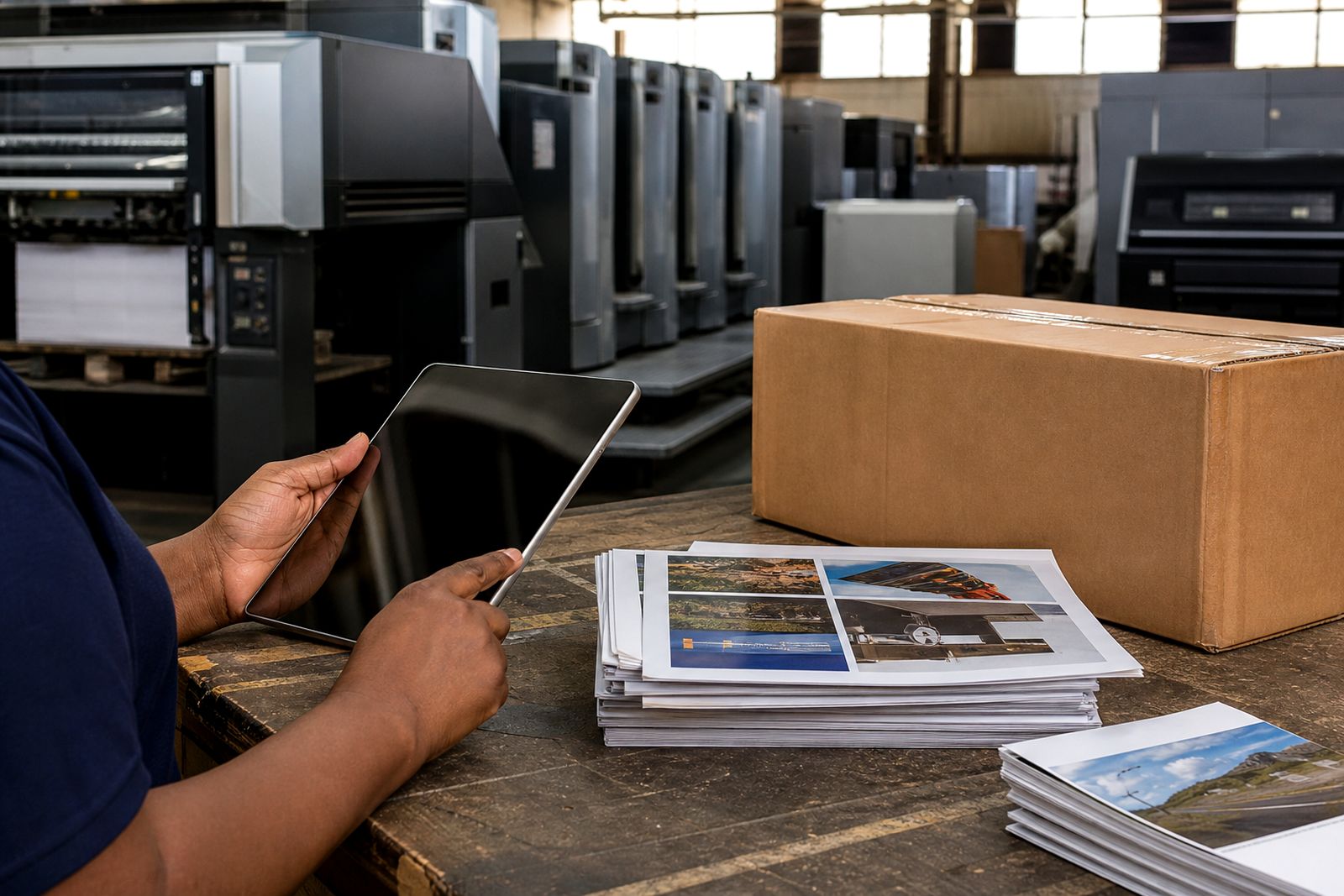
What web to print ordering includes
Web to print ordering gives your team a controlled way to order regular print items without starting from scratch on every job. It works well for stationery packs, flyers, postcards, leaflets, corporate forms and other repeat items where the format, paper and finishing stay mostly fixed. Instead of re-explaining the same brief each time, the approved setup is stored and used again for future orders.
This is especially useful when different branches or departments need the same item with small changes such as quantities, contact details, delivery notes or campaign references. You keep the look consistent, and the order route stays simple.
- Repeat job templates for commonly ordered items
- Controlled specifications for size, stock and finishing
- Online order submission and status visibility
- File upload where artwork changes are needed
- Proof approval before production when required
- Reprint handling with the same setup and finishing notes
How the ordering process works
We first confirm whether your job suits a web to print route. Repeat items with settled specifications are the best fit. Once the product type is agreed, the ordering template is set up with the approved paper, trim size, colour breakdown, finishing steps and any variable fields that may change from order to order.
When your team is ready to place an order, the process is straightforward:
- Select the saved product or template
- Choose the quantity and any allowed options
- Upload updated artwork if the job is not a straight reprint
- Add delivery instructions and reference details
- Review the proof if a proof step is included
- Approve for production
After approval, the job moves into production using the saved settings. This reduces avoidable changes and keeps repeat work neat and consistent. If a job needs litho for medium runs or digital for short runs, that route is chosen according to the quantities and finish required.
What you need to prepare before ordering
The smoother the setup, the easier repeat ordering becomes. Before the first item goes onto web to print, the artwork and print specification should be properly settled. If different users in your business will place orders, it also helps to agree who can approve proofs and who can request changes.
Please prepare final artwork as print-ready PDF files unless another format has been agreed. Include bleed where required, keep important text inside safe margins, and supply images at suitable resolution for print. If your piece folds, scores or binds, the panel sizes and page order must be checked before sign-off.
- Final trim size, for example A4, A5 or DL
- Bleed of 3 mm on all sides where artwork runs off the edge
- Fonts embedded or converted correctly in the PDF
- Images prepared at about 300 dpi at final size
- CMYK artwork for full-colour jobs
- Clear naming for files and version control
If you are unsure about black backgrounds, overprint settings or proof interpretation, use the guidance pages first. A few minutes spent checking files saves delays later, and it avoids rework on a rush job.
Print choices and practical specifications
Web to print can sit across both litho and digital production. Short runs, quick updates and small quantity top-ups often suit digital printing. Medium runs where unit cost and consistent colour over a longer run matter may suit sheetfed litho. The right route depends on quantity, paper choice, page count, finishing and delivery timing.
Common options include matt or gloss coated papers for promotional items, and uncoated papers for stationery and writing-friendly pieces. Finishing can include folding, stitching, trimming, laminating, scoring and bundling. For KwaZulu-Natal clients working in humid coastal conditions, a cover laminate can help protect frequently handled items.
Typical working sizes include A6, A5, A4, A3 and DL, with custom sizes available if they fit the sheet plan and finishing path. Quantities can range from small digital batches for local promotions to larger litho runs for broader distribution. If a document will be posted, inserted or displayed on a counter, mention that early so the right stock and finish can be chosen.
How pricing is worked out
Pricing for web to print jobs is based on the usual print factors, but the online route helps keep repeat work more predictable. The main inputs are quantity, page count, finished size, paper type and weight, number of colours, finishing steps, proofing needs and delivery requirements. Jobs with fixed templates are generally quicker to process because the setup work has already been agreed.
For digital work, short-run quantities and frequent content changes often make sense. For litho, medium-run quantities can be more suitable where colour consistency across a longer run is important. Extras such as laminating, spot finishing, folding patterns, section sewing or special packing will affect the quote.
Because every job combination is different, we do not publish prices on the site. Send the details through the quotation request page or contact form and we will review the specification before quoting. If you are comparing options, we can quote alternate quantities or paper choices so you can balance budget, appearance and turnaround.
Approvals, delivery and aftercare
Proofing remains a key part of web to print, even when the item has been ordered before. If artwork has changed, the proof should be checked for text edits, image placement, page order, folds and finishing notes. Once approval is given, production proceeds on the confirmed specification. During periods of power cuts, having settled templates and approved files can help keep jobs moving with less back-and-forth.
After print, items are packed according to the job type and quantity. Where needed, work can be split by branch, campaign or internal code to make receiving easier. If you expect staged deliveries across Durban or elsewhere in KwaZulu-Natal, note that at order stage so the packing plan matches the route.
If you need a reprint, update or stock refresh later, the saved setup makes the next order faster. Should any part of the specification need to change, such as paper weight, quantity band or finish, that can be reviewed before the next run. Use the website form to request support, file checks or a new quote, and we will guide the next step.
What our Commercial Printing customers say
Verified Google reviews
Questions we get asked
Is web to print only for large companies?
No. It suits any business that orders the same print item regularly and wants a simpler, more controlled ordering route.
Can we make small artwork changes on a repeat order?
Yes, provided the template allows for it. Small changes such as contact details, quantities or campaign references can be managed, then proofed before production.
Do all web to print jobs need a proof?
Not always. Straight reprints may follow the saved approved setup, while changed artwork or more complex items may still need a proof before printing.
Ask for a quote
Send a note through the contact form with your print job, quantity, size, finish and delivery area, and the team will reply with a quote.
Open the contact form