

Send your files
Use our file submission route to send artwork for prepress checking before litho or digital printing. It gives your team a clear handover point, with practical checks on format, pages, images and finishing requirements.
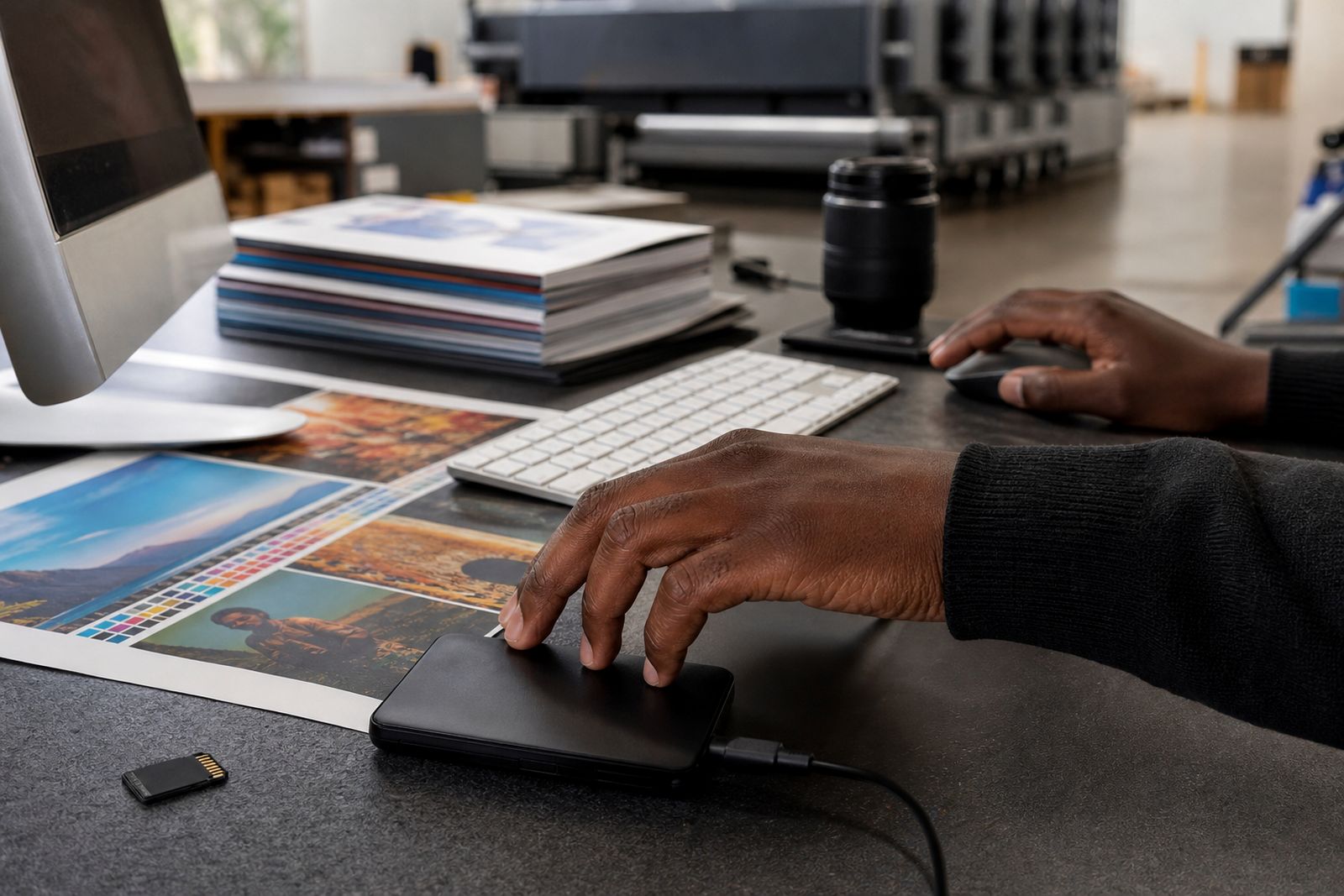
Send artwork with the job details we need
The file upload service is for brochures, magazines, annual reports, flyers, leaflets, postcards, stationery and general corporate print. It is intended for business buyers, agencies, publishers and studios that already have artwork prepared and need a proper prepress handover before printing in Durban or elsewhere in KwaZulu-Natal.
When you send files, we check that the artwork supplied matches the print brief as far as possible. That includes page count, size, bleed, colour setup, supplied fonts where relevant, linked images and any notes about folding, binding or cover finish. If something obvious is missing we flag it early, which helps avoid delays later on press or in finishing.
- Artwork upload for litho and digital jobs
- Prepress review before production booking
- Basic checks against the brief and intended finish
- Guidance on re-supplying corrected files if needed
- Website form follow-up for any unresolved items
How the file submission process works
The process is straightforward. Start by completing the website form with your company details, job description and any deadline information. Then upload the artwork and include supporting notes such as trim size, quantity, stock preference, page order and whether the job is for litho or digital print. If you are not sure which process suits the job, say so in the notes and we will advise.
Once the files are received, prepress checks that the package opens correctly and that the core print settings look right for the job. If the files are usable, the job can move to quotation confirmation or production planning. If there is a technical issue, you will be asked to correct and resend the artwork. For larger catalogues or reports this saves time, because page problems are picked up before plates are made or the digital queue is booked.
- Submit the enquiry form and upload files
- Add trim size, quantity, number of pages and finish requirements
- Prepress checks file integrity and print readiness
- We confirm any issues through the contact form route
- Approved files move to proofing, scheduling and production
What to prepare before uploading
Please prepare artwork carefully before sending it. The cleanest route is a press-ready PDF exported at the correct size with bleed included. Multi-page work should be supplied as single pages in reading order unless a different layout has been requested. Where linked artwork or working files are needed for a special job, package everything clearly so no images or fonts are left behind.
Images should be high enough resolution for print and black text should be set up cleanly to avoid soft edges. For folded items, allow for panel order and creep where relevant. If your job includes laminating, spot coating, scoring, perforating or binding, note this clearly on upload because it affects imposition and finishing setup. A short checklist before you send the files can prevent the usual last-minute fixes, and thats often the difference between a calm approval and a rushed re-export.
- Final PDF at correct trim size
- Minimum 3 mm bleed on all outer edges unless advised otherwise
- Crop marks only if requested
- CMYK artwork for full-colour process printing
- Fonts embedded or converted where appropriate
- Images generally prepared at print-ready resolution
Common file specs and technical notes
For most commercial work, files should be built in CMYK rather than RGB. This gives a more accurate starting point for proofing and print control. Rich black areas, especially large backgrounds or covers, should be built carefully to avoid flat-looking solids or patchy output. Fine rules, small reversed text and overprint settings also need attention because they can behave differently in print from what is seen on screen.
If your job is going to litho, consistency from page to page matters. For digital runs, file simplicity can speed up output and reduce surprises. Pages with heavy coverage may dry or mark differently depending on stock and finish, so mention any critical brand colours or sensitive imagery in the notes. Where colour accuracy is especially important, ask for proofing options through the website form before the run is released.
- Preferred supply format is PDF
- 3 mm bleed is standard for most sheetfed work
- Keep important text at least 5 mm inside trim
- Supply pages as single pages unless instructed otherwise
- List special finishes and binding requirements clearly
- Use the file name to identify job, version and date
How quoting is worked out after file review
Pricing is not based on upload size alone. The file review helps confirm what the job actually needs so the quotation can match the production route. Quantity, finished size, number of pages, stock choice, colour coverage, proofing needs, binding method and finishing all affect cost. Turnaround also plays a part, especially where a job needs to fit around existing press and bindery schedules.
For example, a short-run leaflet set may suit digital printing, while a medium-run brochure or magazine often works better on litho. A stitched publication, a perfect bound report and a folded corporate mailer all have different finishing steps, even when the artwork files arrive in the same way. If you need a quote, request it through the website form with as much detail as possible after uploading the files.
Aftercare, corrections and final approval
After the upload stage, the next step is usually proofing or a request for corrected files. If prepress flags an issue such as missing bleed, low-resolution images, wrong page size or an unexpected spot colour, you will be told what to change. Once corrected files are received, they are checked again before production approval. This keeps responsibility clear and avoids assumptions about whether a supplied error was accepted as-is.
For repeat jobs, keeping a consistent naming method and export setting helps future orders move faster. It is also worth storing an approved final PDF alongside your working files so your team can match later reprints. If you are working under tight deadlines in Durban or elsewhere in KwaZulu-Natal, send files as early as you can, because prepress queries, proof sign-off and finishing instructions all take time even when the artwork is nearly ready.
What our Commercial Printing customers say
Verified Google reviews
Questions we get asked
Can I send working files instead of a PDF?
A print-ready PDF is preferred. If a job needs working files for a special reason, package fonts and linked images clearly and note this in the upload details.
What happens if my file is not ready for print?
Prepress will flag the main issues and ask for corrected artwork through the contact form route. Production only moves ahead once usable files are supplied and approved.
Do you quote before or after I upload files?
You can request a quote through the website form at the same time, but file review helps confirm size, pages and finishing so the quotation matches the actual job.
Ask for a quote
Send a note through the contact form with your print job, quantity, size, finish and delivery area, and the team will reply with a quote.
Open the contact form